
Your phone’s lock screen is one of the first things you see every time you pick up your device. Usually, it shows a clock, battery percentage, and a few notification icons, but Always on Display XPath takes the idea much further.
The app lets you turn the lock screen into a customizable information panel where you can display clocks, weather, notifications, battery details, news, web content, images, and even information collected from JSON APIs.
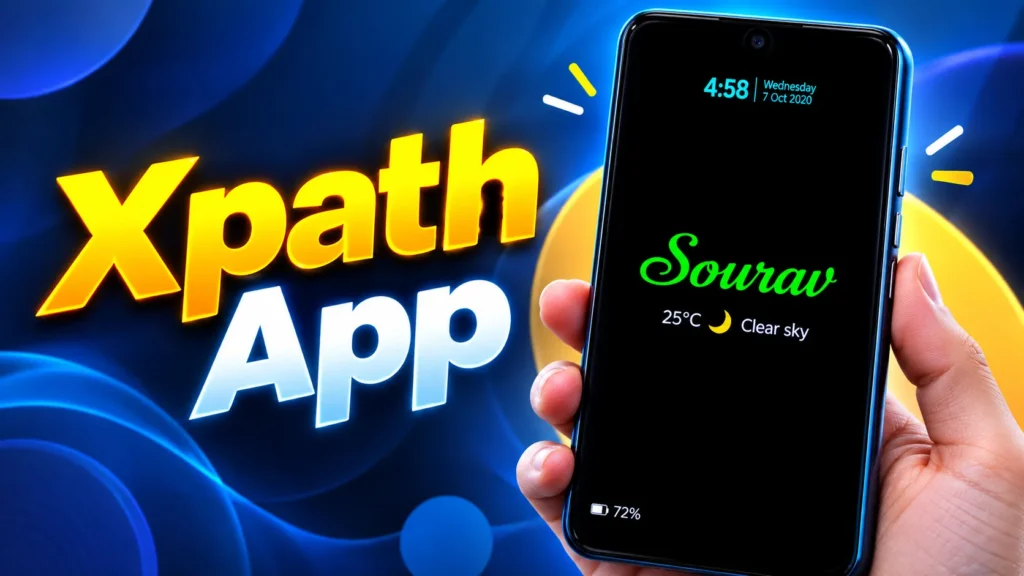
The app is developed by aodlink.com and is designed for both phones and tablets. Its current Google Play listing shows support for a large range of customizable information and display layouts, including home-screen widgets.
What makes this app different from a normal always-on-display application is its ability to display selected information from webpages using XPath. That means you can choose a particular part of a webpage and show that information directly on your lock screen instead of opening the website every time.
What Is Always on Display XPath?
Always on Display XPath is an Android personalization app that lets you create a customized information display for your lock screen and home screen.
Instead of displaying only a standard clock, you can choose the information you want to see and arrange it according to your preferred layout.
The app can display:
- Clock and date
- Battery level
- Battery temperature
- Charging status
- Notifications
- Weather
- Weather forecasts
- RSS news
- Calendar events
- Images and videos
- Quotes
- Notes and memos
- Step counts
- Network information
- Webpage information
- JSON API data
Many of these items can also be used in widgets on the home screen.
This makes the app useful for people who want their lock screen to provide more information without opening several different applications.
More Than a Normal Always-On Display
Traditional always-on-display features are usually quite limited.
You might get a clock, notification icons, battery percentage, and perhaps a few additional options depending on your phone.
AOD XPath takes a more customizable approach.
You can decide what appears on the screen and how it looks.
For example, you could create a lock screen showing:
Time + Weather + Battery + Upcoming Event + News
Another setup could contain:
Clock + Step Count + Network Usage + Quote
You can keep the layout simple or build a much more information-rich display.
Customize the Clock
The clock is one of the most important parts of an always-on display, and AOD XPath gives you extensive customization options.
You can adjust things such as:
- Font size
- Font face
- Font color
- Background color
- Gradient colors
- Shadows
- Digit styles
- Neon effects
- Nixie-style effects
The app also supports different clock styles, with some clock designs allowing you to change the time zone.
This means you can create a clock that matches your wallpaper or overall phone theme instead of being stuck with one standard design.
Display Battery Information
Battery information is another useful part of the app.
AOD XPath can display your current battery percentage, battery temperature, charging status, and remaining charging time.
This can be helpful when you leave your phone on a desk or bedside table.
Instead of unlocking the phone just to see the battery level, the information can remain visible in your customized display.
The charging information can also make the screen more useful when your device is connected to a charger.
See Notifications on the Display
The app can also display notification information.
According to its current feature list, notifications can include the notification icon, message title, and an action button.
This lets you create a lock-screen layout that gives you more context than a simple notification dot.
You can quickly understand which application sent an alert without necessarily opening the phone.
The amount of information displayed can depend on the notification and Android’s permission system.
Weather and Forecast Information
AOD XPath also allows you to place weather information on the display.
Weather can be entered manually or obtained through automatic location-based settings, and the app supports weather forecasts as well.
This can be useful when you want to check the current conditions without opening a weather application.
You can combine the weather information with the clock and battery status to create a compact information dashboard.
Show RSS News
Another unusual feature is RSS news support.
The app can display RSS content with fade-in, fade-out, and popover-style presentation.
This means your always-on display can become a small news panel.
Instead of using the lock screen only for the time, you could use an RSS feed to keep selected information visible.
This is particularly interesting for users who regularly follow technology, finance, sports, or other RSS-supported websites.
Display Information From Any Webpage
The feature that gives AOD XPath its name is its ability to select information from webpages.
You can share a webpage URL from a browser to the app and then select the information you want the application to display. The app can periodically refresh the selected webpage data based on your chosen update interval.
For example, imagine a webpage contains several pieces of information, but you only want one number or line.
Instead of displaying the entire webpage, you can identify the relevant part and use it as an information field.
This is where XPath becomes useful.
What Is XPath in Simple Words?
XPath is a method used to identify a specific element or piece of information inside an HTML or XML document.
You do not necessarily need to understand web development to use the app, because its interface is designed to help you select the information you want.
The benefit is that you can display a particular webpage value without loading the entire website.
For example, a webpage might contain:
Currency rate → ₹83.50
Weather → 28°C
Product price → ₹999
Score → 3-1
Instead of showing the entire webpage, an XPath selection can identify the specific field.
The information can then appear in your customized display.
JSON API Data
AOD XPath also supports JSON API data.
This opens up another interesting possibility because many online services provide information through APIs.
The app’s current description gives examples such as cryptocurrency prices and currency exchange rates.
This means you can create a display that shows selected real-time or regularly updated data from supported online sources.
For someone interested in financial information or technical data, this can be much more useful than a decorative always-on display.
Add Your Own Images and Videos
The app also supports personal visual content.
You can display a selected photo, sticker image, animated image, or even an MP4 video wallpaper from your gallery.
This gives you another way to personalize the screen.
You might use:
- A family photo
- A pet image
- A favorite character
- Your own artwork
- A custom animation
- A short video
You can combine these visual elements with clock or battery information to create a more personalized setup.
Memo and Quote Features
AOD XPath also includes text-based customization.
The memo feature supports items such as emoji, Bitmoji, stickers, GIFs, and popover text. It can also create a phone-calling link when a phone number is inserted.
The app can also display famous quotes.
This can be useful if you want the always-on display to include a small reminder, note, or motivational message alongside your regular information.
Step Counter and Network Data
The app can also display information related to your daily device usage.
Its feature list includes step counts and history, mobile-network and Wi-Fi signal strength, and daily upload and download data usage.
This can turn your lock screen into a compact status dashboard.
You can check your connection and certain usage information without opening several system menus.
Edge Lighting for Notifications
AOD XPath also supports edge-light effects.
The app can show edge lighting when selected app notifications are received.
This adds a visual notification effect around the screen rather than relying entirely on icons or sounds.
You can use it alongside your chosen clock, wallpaper, and other display information.
Flexible Screen Layouts
One of the strongest parts of the app is its layout flexibility.
The current feature list supports normal views with up to 12 horizontal display lines, edge views with three vertical lines, hybrid layouts, and one- or two-column arrangements.
This makes it possible to create a display that fits your phone’s screen and the amount of information you want to show.
You do not have to put every available feature on the display.
A simpler layout can be much easier to read.
Portrait and Landscape Support
The app also supports both portrait and landscape orientations.
This can be useful on tablets or phones that are frequently used horizontally.
The display can be adapted to the orientation rather than being restricted to a single layout.
How to Create an Always-On Display
Getting started with AOD XPath involves choosing the information and arranging it.
A typical setup can look like this:
- Install Always on Display XPath.
- Open the application.
- Choose a display layout.
- Add a clock.
- Select the font and colors.
- Add battery information.
- Add weather or notifications.
- Add a photo or visual effect if required.
- Adjust the position and size of each item.
- Save the configuration.
- Enable the AOD feature.
You can then return to the settings whenever you want to change the design.
Can It Be Used on the Home Screen?
Yes.
The app supports several items on the home screen through widgets in addition to lock-screen use.
This means you can use the same information-focused approach even when your phone is unlocked.
For example, your home screen could contain selected web data, a custom clock, weather, or another useful information panel.
Brightness and Gesture Controls
AOD XPath also includes some interaction options.
The app supports a scrolling gesture for adjusting brightness and swipe gestures for opening other applications. It can also be turned on or off through Android quick settings.
This gives the always-on display more functionality than simply showing passive information.
Privacy and Data Safety
The current Google Play disclosure says the app may share location with third parties, while the developer declares that no data is collected in the specified categories. Google Play also says data is encrypted in transit.
Because the app can display information from webpages and APIs, users should pay attention to the websites, services, and permissions they configure.
It is also worth reviewing the latest privacy information before using the application with sensitive information.
Important Things to Know
AOD XPath is extremely flexible, but more customization also means more setup.
It is not just a clock app:
It can display many different types of information.
Web data needs an internet connection:
Information pulled from webpages or APIs depends on the relevant online service.
Not every website will behave the same:
Webpage structure can change, which may affect XPath-based selections.
A complex screen can become difficult to read:
Using fewer, better-chosen information fields often produces a cleaner result.
Battery usage can vary:
An always-on display with animations, web updates, images, or video can use more resources than a basic static clock.
Final Thoughts
Always on Display XPath is an unusual Android customization app because it goes far beyond a standard always-on clock. You can create a personalized screen containing battery information, notifications, weather, news, photos, quotes, step counts, network data, web information, and JSON API values.
The most distinctive feature is its ability to select information from webpages using XPath. This makes it possible to turn your lock screen into a small information dashboard rather than simply another clock.
For Android users who enjoy custom always-on displays, lock-screen widgets, live information, webpage data, weather, RSS news, custom photos, and advanced personalization, AOD XPath provides a large collection of options to explore.